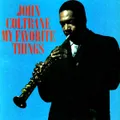
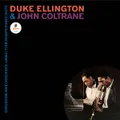
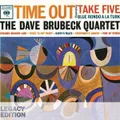
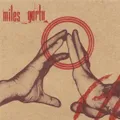
Music discovery for your own library

Unlock your music library.

songScout is an UPnP control point that radically changes how you discover and control the music you own. It connects albums and artists with instruments, moods, sound qualities, listening cues, and one another—so your local or NAS library becomes something you can explore naturally.

Discover and control your local or NAS music library by artist, instrument, mood, sound, and musical connection.

15 days of full access included. Then $5.99 per month through Apple. Cancel anytime.
songScout music discovery app icon
songScoutYour library, newly connected
Your music system

Connect the library and players you already own.

songScout works as your UPnP control point: it finds your music, builds a private on-device catalog, adds discovery context, and controls compatible UPnP renderers—without uploading your audio files.

Your music stays local. Its possibilities expand.

songScout gives your library enough structure for natural search, discovery, cue matching, and playback while keeping the collection itself at home.

  • Your music files are not uploaded.
  • Private NAS paths and renderer details stay local.
  • Optional enrichment uses bounded public music metadata.
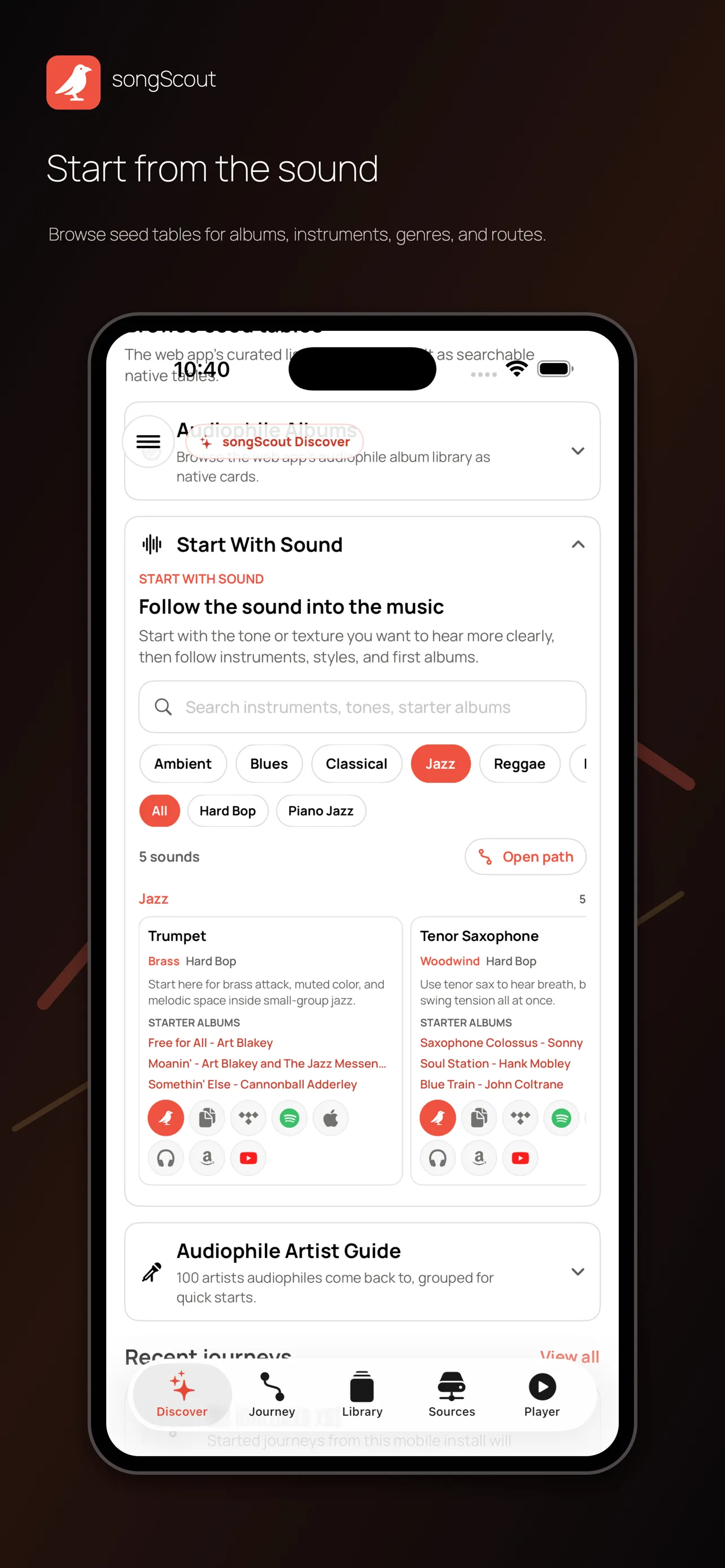
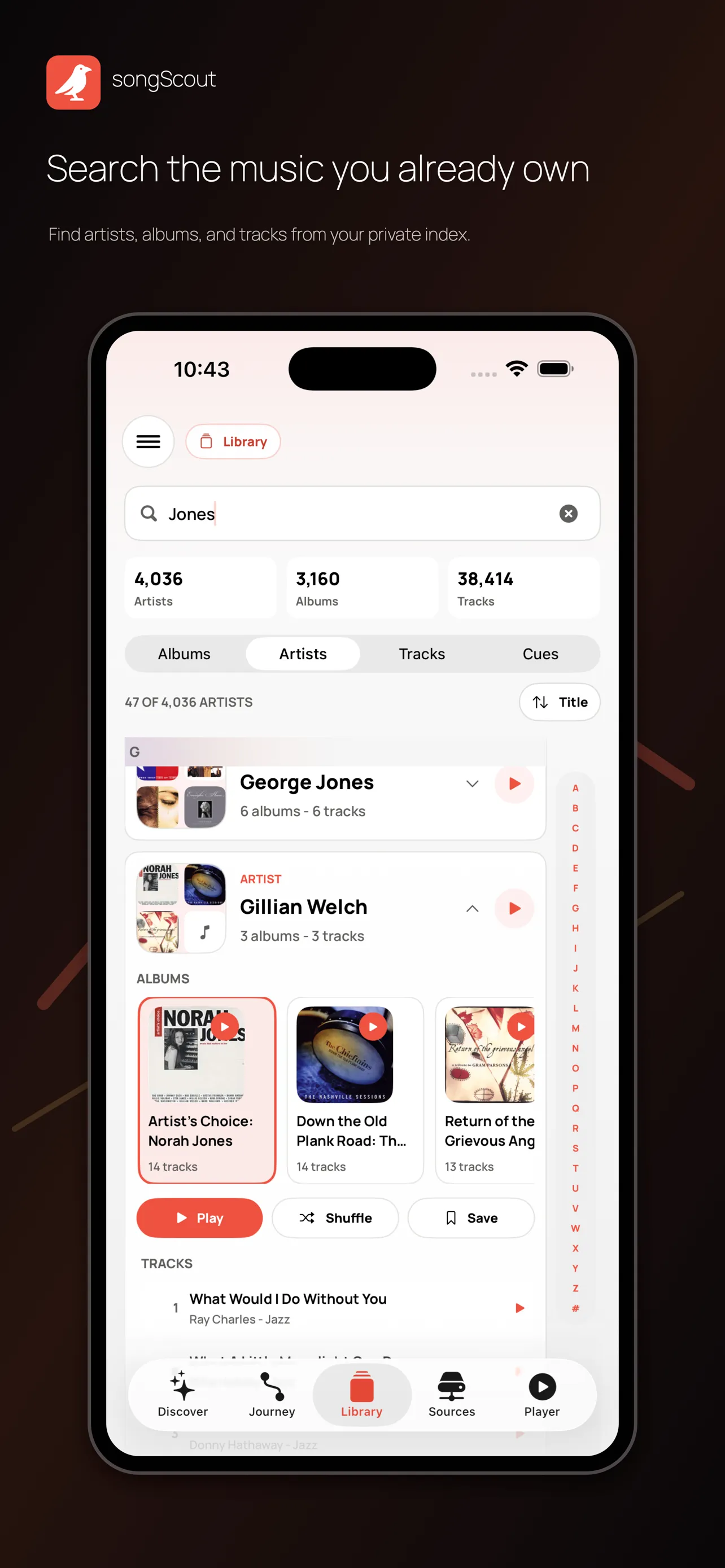
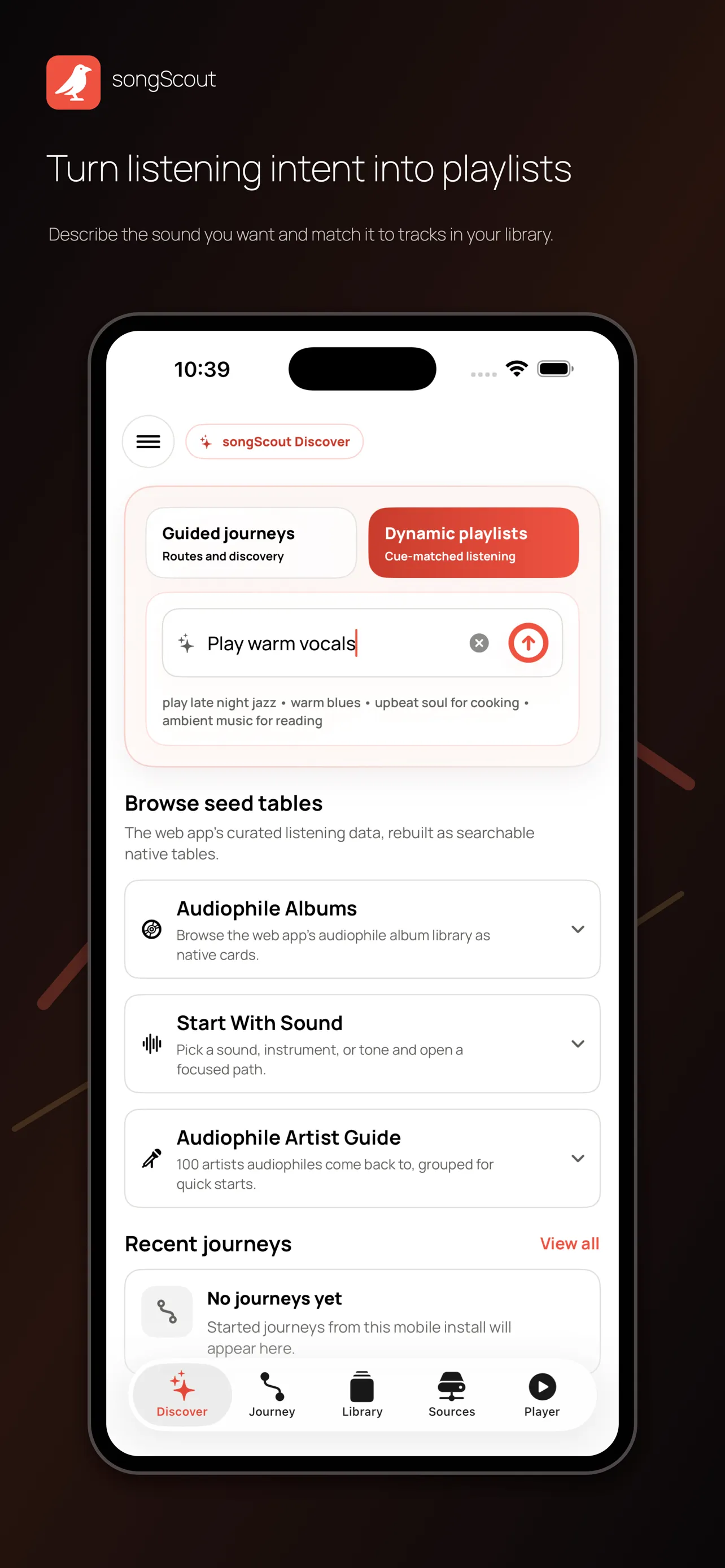
songScout guided discovery screen connecting music through artists, albums, and listening cuessongScout screen showing an indexed local and NAS music librarysongScout dynamic playlist screen created from a plain-English listening request

One artist can open decades of musical connections.

A Miles Davis album is not an isolated entry. It connects to musicians, instruments, sessions, and other recordings across generations of jazz. Ordinary library metadata leaves much of that web hidden; songScout reconstructs it and turns every connection into another way to discover.

Release type

Core releases · Horns section

Section

Built from recorded relationships. Every path comes from shared work in songScout’s Miles Davis collaboration model. Select an artist, change the release type or instrumental section, and the recordings behind that relationship appear alongside the map.

These four ways work because songScout understands more than names.Natural discovery begins with more than names.

It connects your artists and albums with instruments, genres, moods, sound qualities, listening contexts, and musical relationships. Explore the complete vocabulary behind those connections.

Canonical instruments

Instrument names are normalized so common variants can lead to the same musical family.

  • Acoustic Guitar
  • Bass
  • Brass
  • Cello
  • Clarinet
  • Drum Machine
  • Drums
  • Electric Guitar
  • Fiddle
  • Flute
  • Harmonica
  • Horns
  • Keyboards
  • Organ
  • Pedal Steel
  • Percussion
  • Piano
  • Saxophone
  • Strings
  • Synthesizer
  • Trumpet
  • Violin
  • Vocals
  • Woodwinds

One connected vocabulary. A genre can lead to an instrument, a mood to a listening cue, and any of them to artists, albums, credits, and recordings already in your library.

Four ways to unlock your library.

Most music-library search stops at filenames, artists, albums, and genres. songScout enriches your collection with instruments, moods, sound qualities, listening cues, and musical relationships, then connects all of them. That gives you four more natural ways to move through your library—and find music that ordinary search leaves buried.

Rediscover your music naturally.

Ordinary library search stops at names and filenames. songScout adds musical context, then lets you ask for what you want to hear.

Ask your library naturally

Describe an instrument, mood, sound, or listening idea. songScout turns it into music already available in your library.

Here is a real example from songScout’s proprietary enrichment models. Your music file remains local while the models turn its album identity into useful musical, discovery, and listening context.

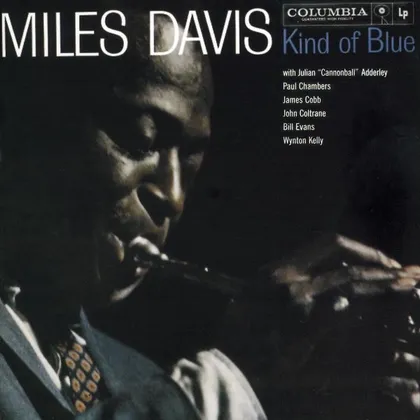
What your library providesKind of Blue album cover by Miles Davis
Kind of Blue

Miles Davis · 1959

Album title, artist, year, and local tracks
What songScout enriches it with
Miles Davis in a 1967 press photograph
Artist contextMiles Davis

Trumpeter · bandleader · composer

1967 press photo · Wikimedia Commons
Album context
GenreJazzModal Jazz
InstrumentsTrumpetSaxophonePianoBassDrums
Sound and moodAcousticLaid-BackIntimateDynamic
Audiophile cuesNatural horn timbreBelievable room spaceInstrument separation
Discovery contextAudiophile FriendlyBenchmark RecordingEssential AlbumFocused Listening
Connected identitiesMiles DavisAlbum creditsRelated recordingsMusicBrainz release group

The result: the album can surface when you explore modal jazz, trumpet or saxophone recordings, a laid-back acoustic mood, benchmark sound, Miles Davis and his collaborators, or a plain-English listening request—even when those words are absent from the file name.

One connected way to rediscover your collection. songScout also supports guided paths, discovery from music outside your library, and search across every musical connection.
Common questions

What should you know about songScout?

Simple answers about privacy and using songScout as a UPnP control point with your music library, NAS, compatible renderers, playDesk, and DSD playback.
What is songScout?

songScout is an iPhone and iPad UPnP control point for discovering music and controlling playback from your own local or NAS library. It connects artists, albums, musicians, instruments, moods, sound qualities, and recording relationships so you can explore beyond filenames and folders.
Where does songScout find my music?
songScout finds compatible UPnP and DLNA media servers on your home network. Your music may be stored on a NAS, a computer, or another music server that exposes the library through UPnP or DLNA.

Will songScout upload my music to a remote server?

No. songScout does not upload your audio files. Your music stays on your NAS, computer, media server, or device while songScout controls playback over your home network.

Where does songScout store my library index?

songScout stores its private library index primarily on your iPhone or iPad. Your NAS addresses, private network addresses, folder paths, playable local URLs, renderer details, queues, history, and local playlists remain on your device or home network.

Does any library information leave my home network?

Only when you enable an optional feature that clearly requires it. AI-assisted enrichment may use bounded public music information such as artist names, album names, track titles, public identifiers, and limited counts. It does not upload your audio files, private NAS paths, or playable local URLs.

Can I remove songScout data from my device?

Yes. You can remove songScout’s native app data from your device. You can also contact Sharada Audio for help with access, correction, deletion, or other privacy questions.

What is a UPnP control point?

A UPnP control point is the app you use to browse music, choose what to play, and select a playback device. songScout is the UPnP control point, your media server supplies the file, and a compatible UPnP renderer plays it.

What are a media server and a renderer?

The media server is where your music library is stored and shared. songScout is the UPnP control point that selects the music and controls the session. playDesk is the UPnP renderer and playback engine connected to your DAC.

Can songScout stream DSD files?

Yes. As the UPnP control point, songScout can direct supported DSF or DFF music from a compatible UPnP or DLNA library to a DSD-capable renderer. The renderer, its output connection, and the connected DAC must support the selected DSD format and rate.

Can I use songScout with playDesk?

Yes. songScout is the UPnP control point, and playDesk is the UPnP or OpenHome renderer and playback engine connected to your DAC. songScout lets you browse, discover, queue, and control that playback from your iPhone or iPad.

Which NAS brands are tested with songScout?

songScout hardware integration has been tested and verified with Synology, QNAP, and UGREEN NAS systems. Install and enable the NAS vendor’s DLNA or UPnP media-server app, then choose the music folders it should share. songScout discovers that server on your home network. Support verification for additional NAS vendors is in progress.

How are dynamic playlists different from ordinary search?

Ordinary search usually matches names and file tags. songScout can interpret a natural request such as “play spacious percussion” and match it against enriched instrument, mood, sound, discovery, and audiophile listening cues in your library.

Does songScout change my music files or folder structure?

No. Enrichment adds a private discovery layer inside songScout. It does not rename your files, rewrite their audio data, or reorganize the folders on your NAS or computer.